How to set up an email forwarder in cPanel?

An email forwarder allows you to automatically send a copy of all incoming emails from one address to another. This is ideal for managing multiple accounts from a single primary inbox.


1. Log in to your cPanel control panel.
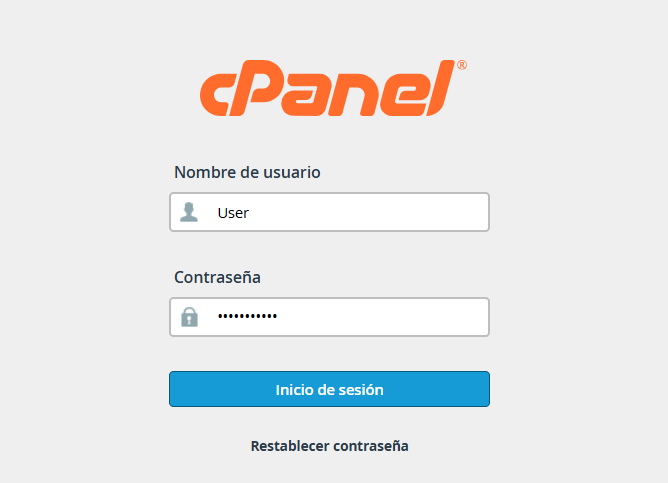
 

access.png


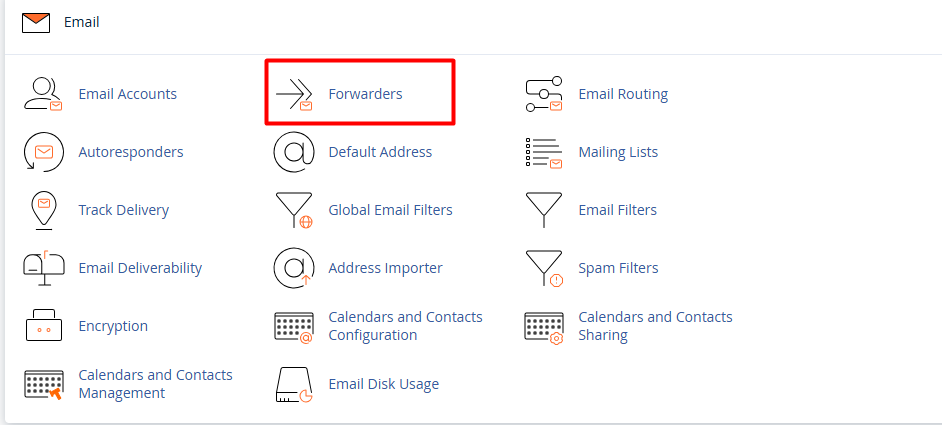
2. Go to the Email section and click on Forwarders.


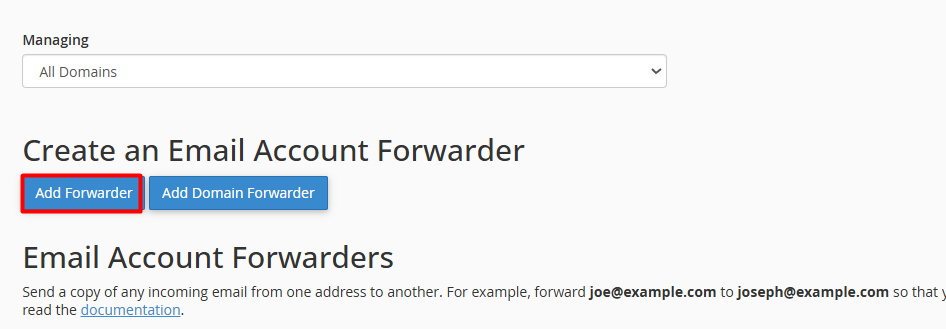
3. Click the blue Add Forwarder button.


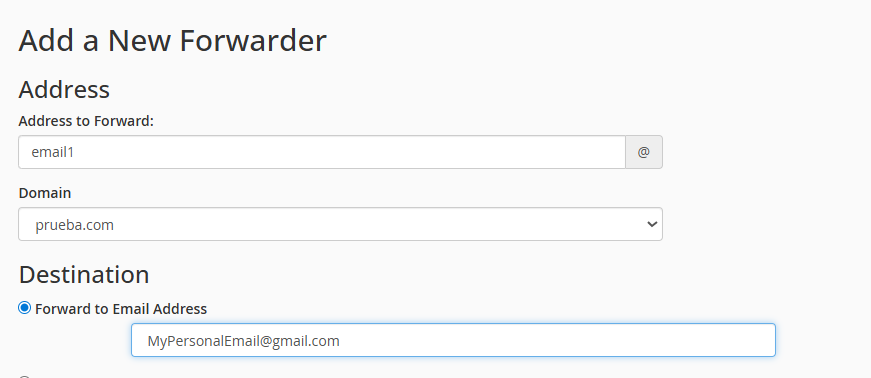
4. Configure the details:


4.1. Address to Forward: Enter the name of the account you wish to redirect (only the part before the @).


4.2. Domain: Select the corresponding domain from the drop-down menu.


4.3. Destination: Choose "Forward to Email Address" and type the full destination address where you want to receive the messages.


Finish the process: Click the Add Forwarder button to confirm the operation.

  • 1 Users Found This Useful
Was this answer helpful?

Related Articles

How to create email filters in cPanel?

  Email filters are custom rules that allow you to automatically organize your incoming...

How to create Global Email Filters in cPanel?

  A Global Filter is a powerful administrative tool that allows you to apply automatic rules to...

How can I create a new email account from cPanel?

To create a corporate email account linked to your domain, please follow this detailed procedure:...

How can I manage my email accounts from cPanel?

Managing your email accounts is a simple and intuitive process. Follow these steps to configure...