


If you wish to manage your account in your native language, you can modify your control panel's regional settings by following these steps:
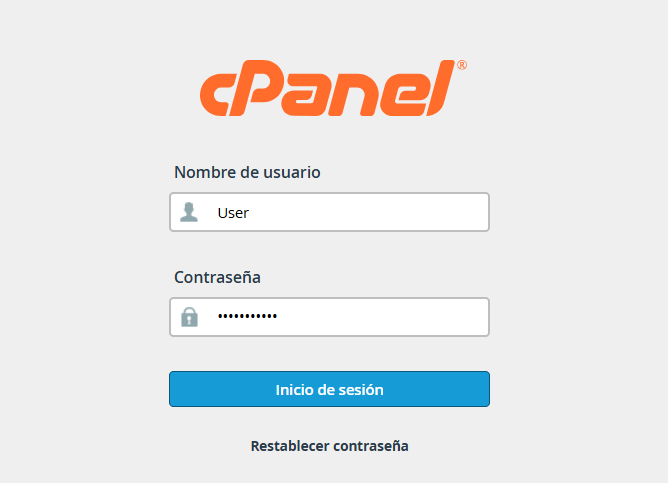
1.Access your cPanel account using your login credentials (username and password).
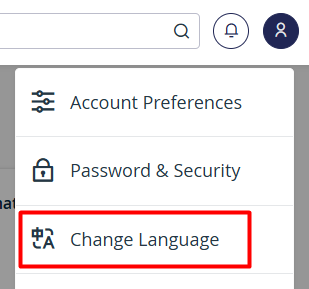
2.Locate the User Menu in the upper-right corner of the screen and click on it.

3.From the drop-down menu that appears, select the Change Language (Cambiar Idioma) option.
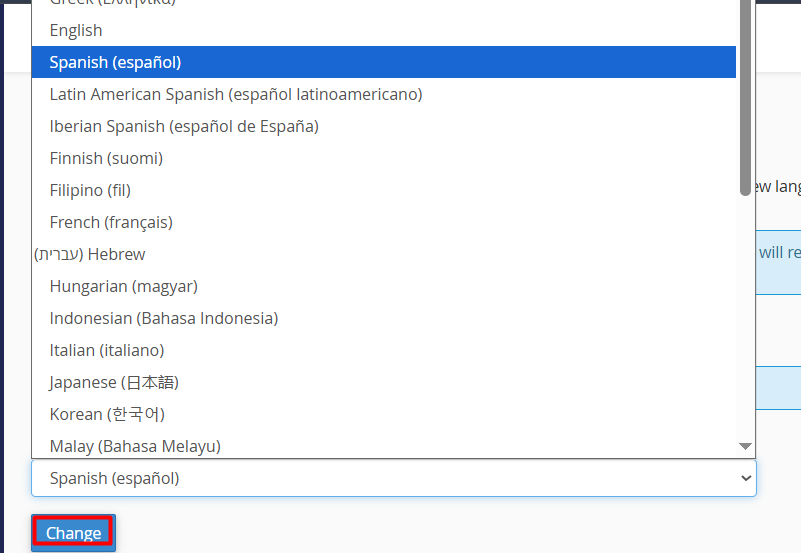
4.Choose your preferred language from the list and press the Change (Cambiar) button to automatically update the interface.
Note: This setting only modifies the user interface language and does not affect your website's content or server configurations.
