


To create a new database user, please follow these steps:
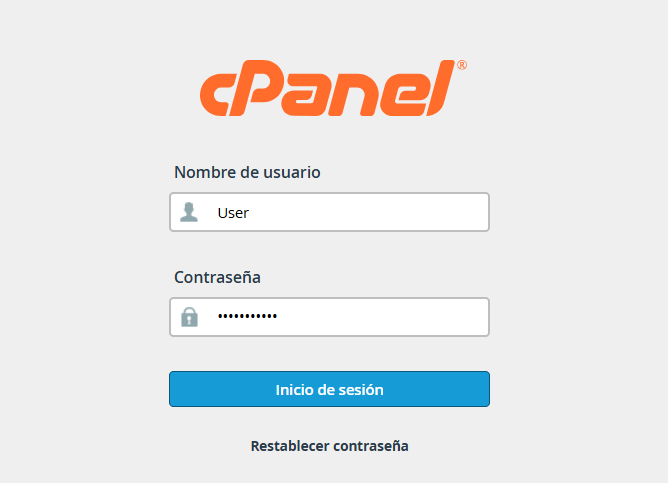
1. Enter your administrative credentials.
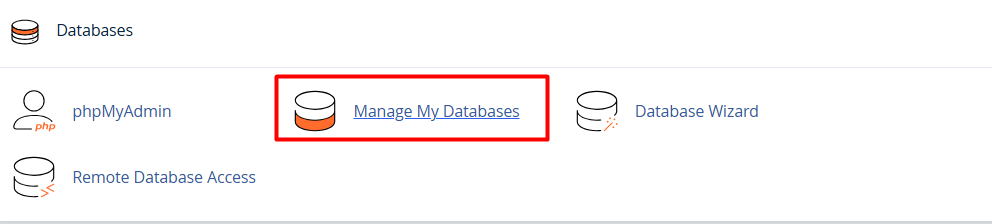
2. Find the "Databases" section and select MySQL Databases (or "Manage my databases," depending on your interface theme).
3. Scroll down to the MySQL Users / Add New User section.
Fill out the form:
• Username: Enter the name you wish to assign to the database.
• Password: Enter and confirm a secure password for the user.
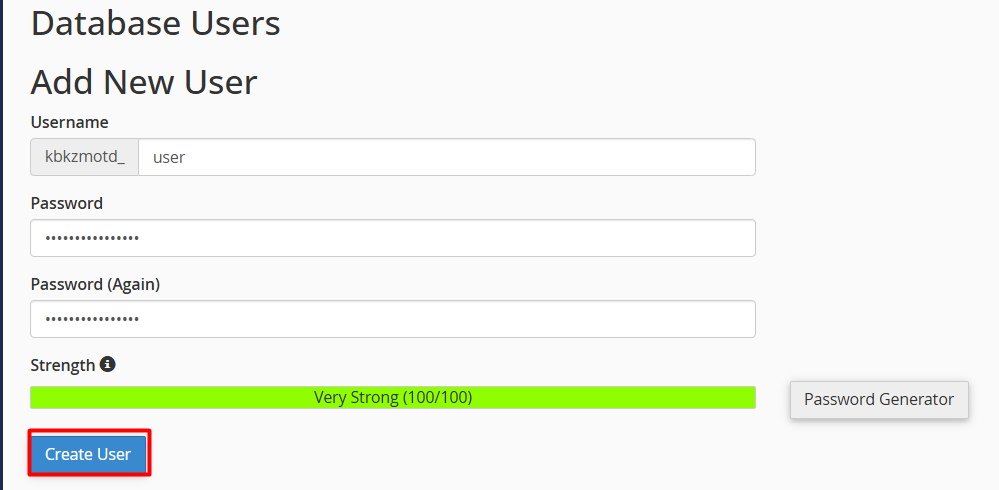
Complete the process: Click the Create User button.
Note: After creating the user, remember to add them to your specific database and assign the necessary privileges so they can manage the data.
