How to Assign a User to a Database?

User assignment is a critical security measure that allows for the management of external connections and the definition of specific roles. This ensures total control over who accesses your information and with what level of authority, minimizing security risks.
 
 
1. Log in to your Client Panel using your access credentials.
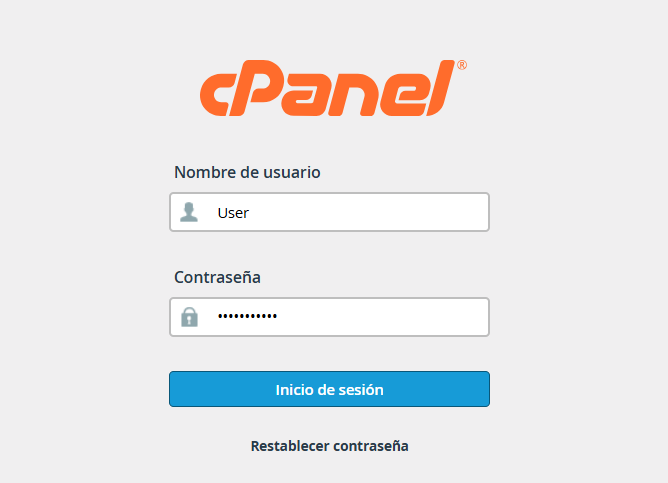


access.png


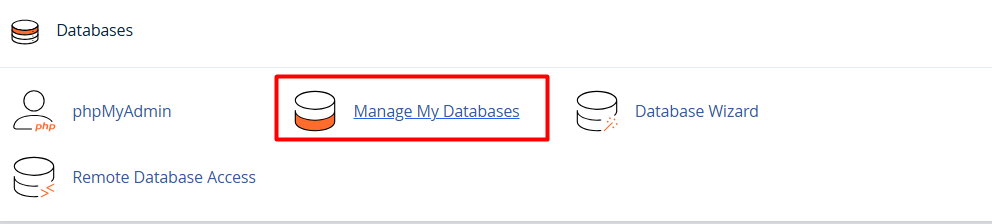
2. Locate the Databases module and select the Manage my databases option.


3. Within the available functions, find the Add user to database section.
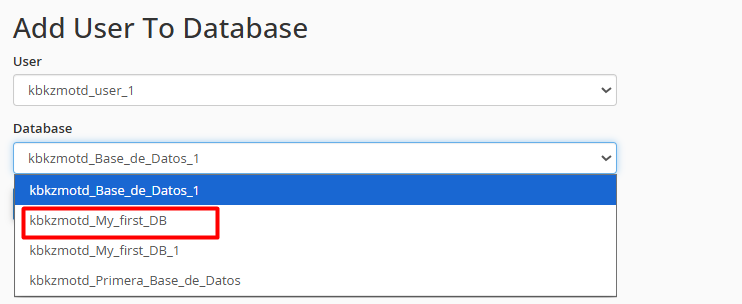


4. Select the appropriate user, assign them to the desired database, and click the Add button.

  • 0 Users Found This Useful
Was this answer helpful?

Related Articles

How to create a database user in cPanel?

To create a new database user, please follow these steps: 1. Enter your administrative...

Create a Database using the Database Wizard

Using the MySQL Database Wizard is the most efficient and direct way to set up your data. This...

How to Create a Database in Manage My Databases

The creation of a database is a fundamental process for the operation of web applications and...

How can I connect remotely to my database from cPanel?

Enabling remote access allows you to manage your databases using external tools like MySQL...

How can I manage user permissions in my database?

To enable a user to create, modify, or delete content within a database, it is essential to...