


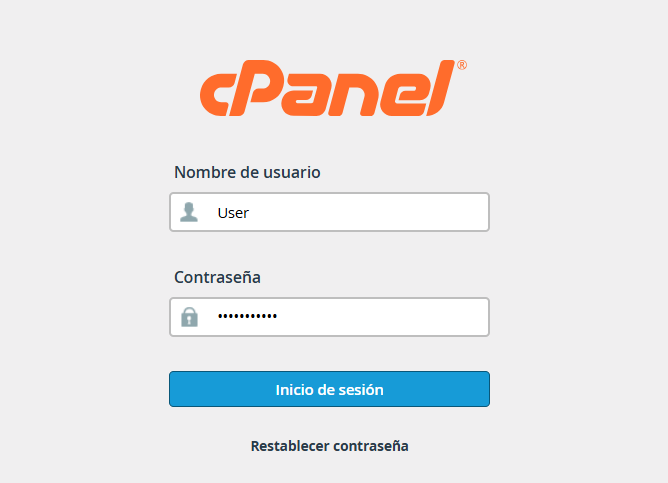
1. Log in to your cPanel account using the credentials provided to you.
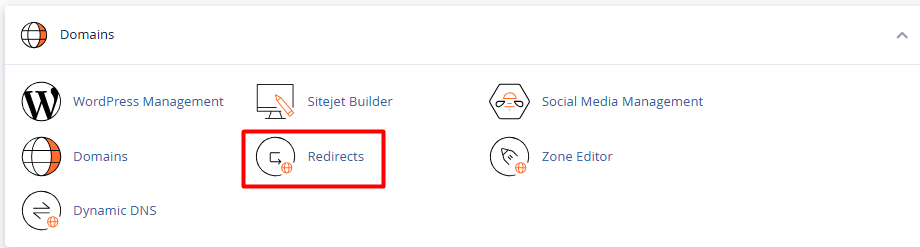
2. Go to the Domains section and select the Redirects option.
3. Link Type Configuration:
3.1. Permanent (301): Use this option to inform search engines that the content has moved permanently.
3.2. Temporary (302): Select this alternative if the change is momentary and you wish to keep the original indexing.

4. Defining Origin and Destination:
4.1. From the dropdown menu, choose the domain you wish to redirect.
4.2. In the "Redirects to" field, enter the full destination URL, making sure to include the corresponding protocol (example., https://newdomain.com).
4.3. Prefix Management (www): It is recommended to select the "Redirect with or without www" option to ensure all users reach the destination regardless of how they type the address.
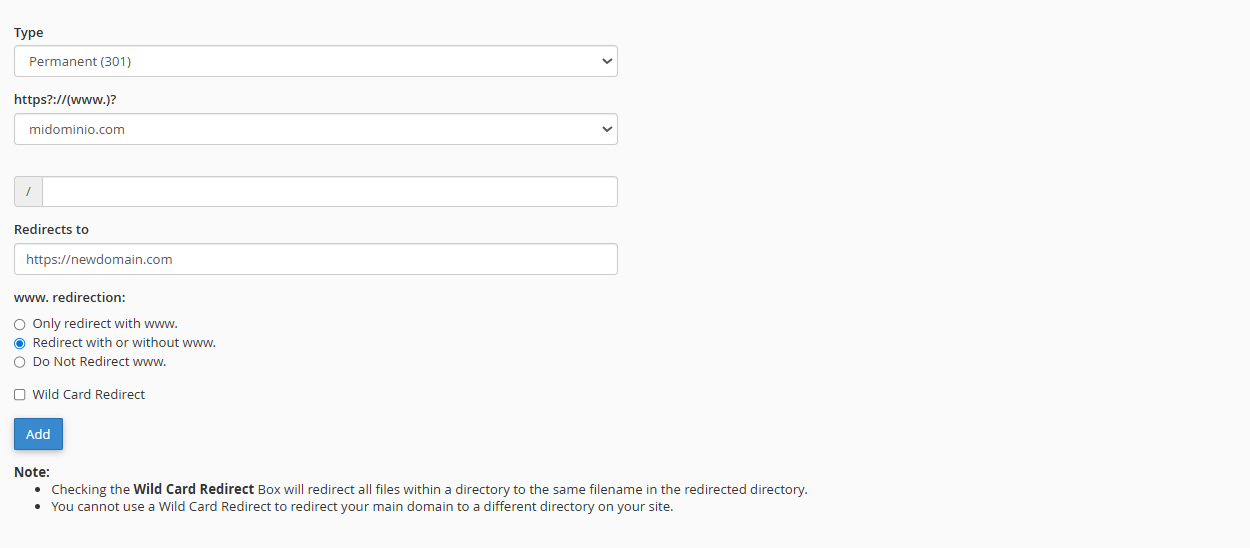
Click the Add button.
- Wild Card Redirect: By checking this box, you ensure that any subdirectory of the old domain (e.g., old.com) redirects to the exact same path on the new domain (new.com).
- Managing Records: At the bottom of the same interface, you will find a list of active redirects where you can monitor their performance or delete them as needed.
