How can I password protect my folders in cPanel?

 
Ensuring the security of your information is simple. Follow this step-by-step guide to configure Directory Privacy and restrict access to your folders using custom credentials:


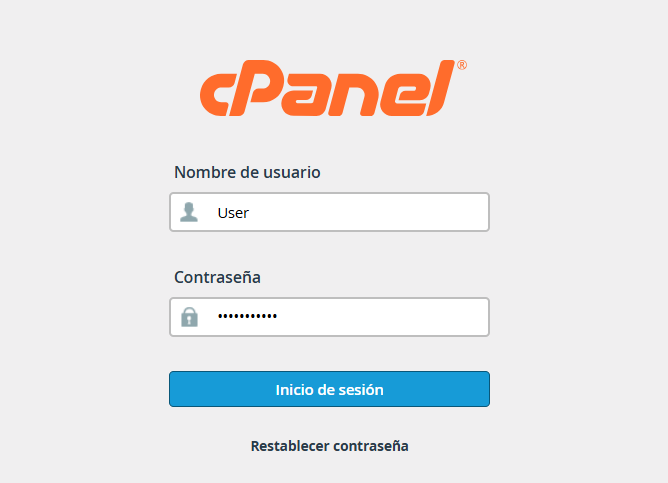
1. Log in to your cPanel control panel.


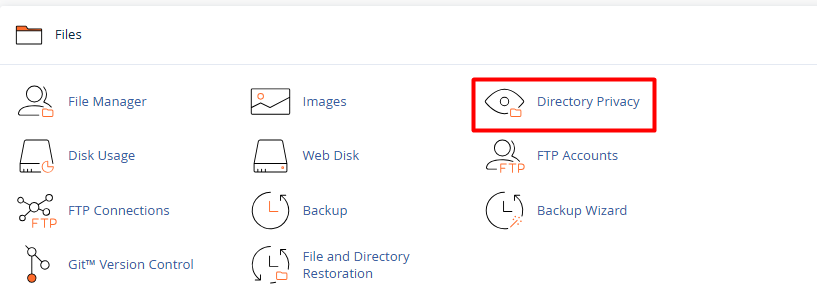
2. Go to the Files section and select the Directory Privacy icon.


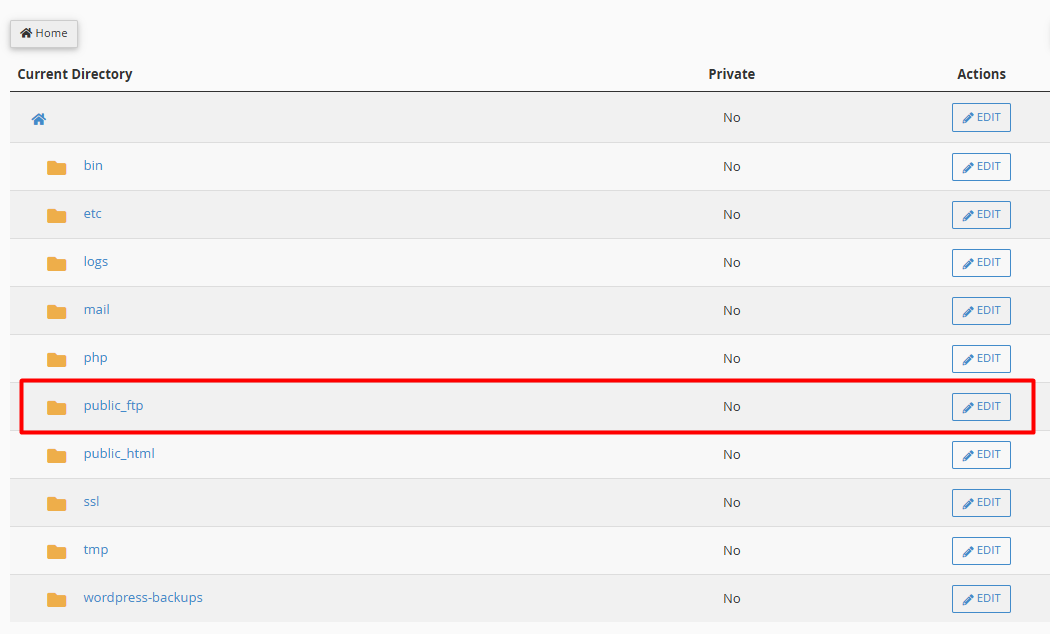
3.  Directory Selection:


3.1. Navigate through the list of folders. If the directory you are looking for is inside another one (such as public_html), click on the folder icon to open it.


3.2. Once you have located the directory you want to shield, click directly on its Edit.


4. Security Configuration:


4.1. Check the box Password protect this directory.


4.2. In the name field, enter a reference label (Example., "Restricted Access"). This text will be visible to the user when they are prompted for their credentials.
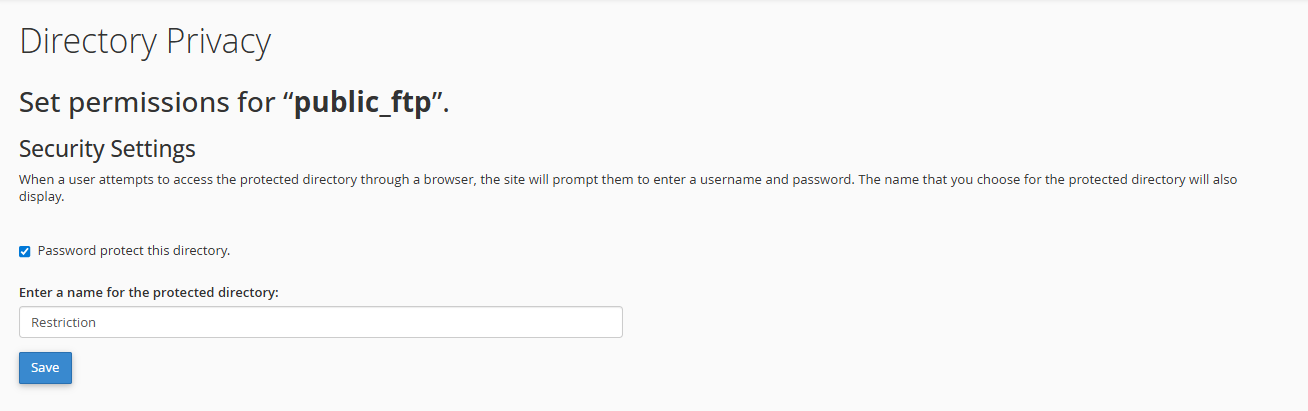


4.3. Click Save.


5. Managing Authorized Users:


To allow access, you must create at least one user account:


5.1. On the same screen, scroll down to Create User.


5.2. Define a username and a strong password.
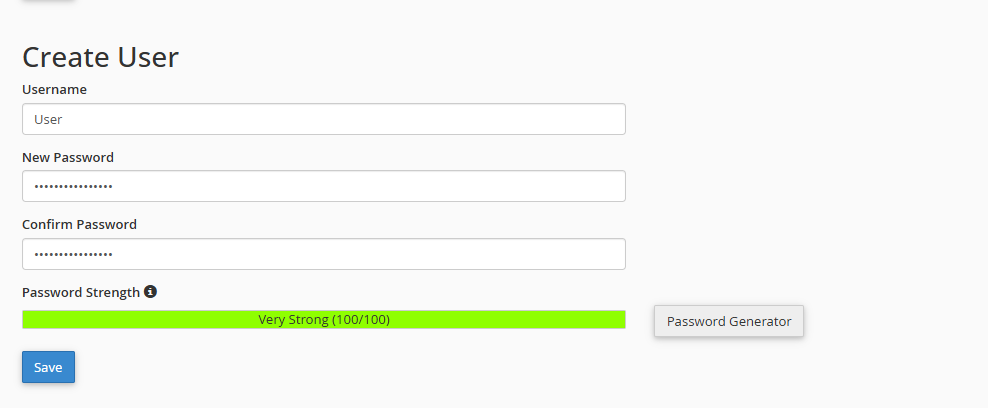


5.3. Finish by clicking Save. 

Notes:

When you protect a main folder, all its subdirectories are automatically protected.

You can disable protection at any time by unchecking the security box in the directory settings.

You will know the folder is secure when the icon changes to a padlock (available in recent cPanel versions).

  • 0 Users Found This Useful
Was this answer helpful?

Related Articles

How to create a Cron Job?

  A cron job is simply an automated task that runs on a server at specific time intervals. You...

How to create and configure your .htaccess file?

  The .htaccess file is a powerful tool for managing your site's security and redirection....

How can I assign different PHP versions to my domains?

  If you manage multiple projects on a single account and need each domain or subdomain to run...

How can I change PHP values (limits, execution time, errors) using "MultiPHP INI Editor" (Basic Mode)?

  Here we will explain how to transcribe and adjust these values using the "MultiPHP INI Editor"...

How can I force the use of SSL (HTTPS) via the .htaccess file?

  To ensure your visitors always browse securely, you can automate the HTTPS redirection by...